






How Address Autocomplete for WooCommerce Speeds Up Checkout and Improves Delivery Accuracy
For many online stores, the checkout page is where conversions are won or lost. Long forms, typing errors, and inaccurate shipping details can create friction that leads to abandoned carts and costly delivery issues. AddySolution's Address Autocomplete for WooCommerce is designed to solve that problem by bringing address autocomplete directly into the WooCommerce checkout experience.
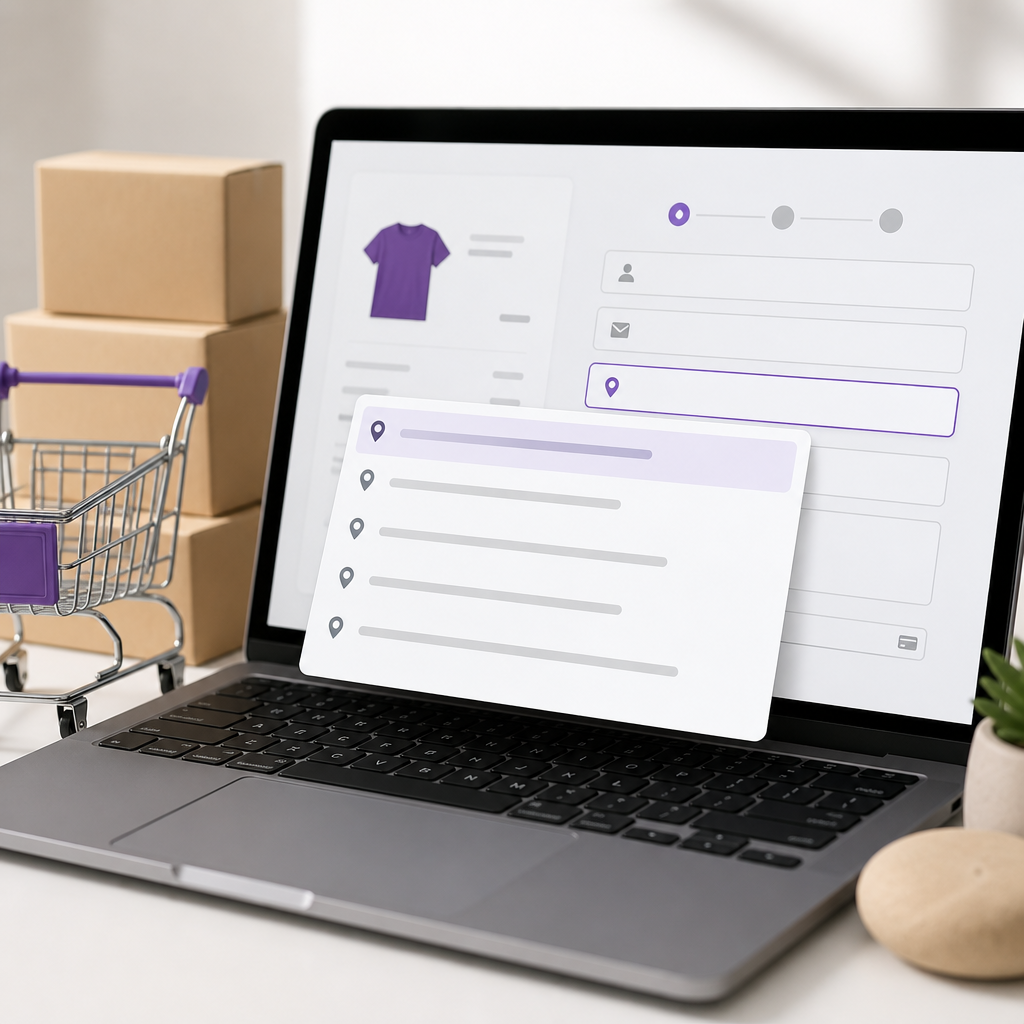
This premium WordPress plugin integrates Google Maps location services into your checkout page. When a customer begins entering their address and selects a suggested location, the plugin automatically fills in key fields such as street address, country, city, state, and zip code. The result is a faster, smoother, and more accurate checkout flow on both desktop and mobile devices.
What Is AddySolution's Address Autocomplete for WooCommerce?
AddySolution's Address Autocomplete for WooCommerce is a WooCommerce extension that helps customers complete address fields with minimal effort. Instead of manually typing every part of their shipping or billing address, users can select their location from Google Maps-powered suggestions and let the plugin populate the remaining information automatically.
This approach reduces user effort, improves data consistency, and supports better order fulfillment. It is especially useful for stores that want to streamline checkout without complicating the user experience.
Why Address Autocomplete Matters in WooCommerce
Address entry may seem like a small part of checkout, but it has a major impact on usability and conversion rates. Customers often shop on mobile devices, where typing full addresses can be slow and frustrating. Even on desktop, manual entry increases the chance of spelling mistakes, missing apartment numbers, incorrect postal codes, and formatting inconsistencies.
By implementing address autocomplete in WooCommerce, stores can reduce those issues and create a more polished buying journey. Faster checkout often leads to higher customer satisfaction and fewer abandoned carts, while more accurate addresses help businesses cut support costs and improve first-time delivery success.
Key Benefits of This WooCommerce Address Autocomplete Plugin
1. Faster checkout experience
The biggest advantage is speed. Customers can choose their address from relevant suggestions instead of completing multiple fields manually. This reduces friction and keeps them moving toward order completion.
2. Better customer satisfaction
Shoppers value convenience. A clean, responsive checkout experience can make your store feel more professional and easier to use, especially for repeat purchases and mobile orders.
3. More accurate address data
Address quality matters after checkout too. Better address capture reduces failed deliveries, return-to-sender issues, and customer support tickets related to shipping problems.
4. Smart matching and typo correction
The product highlights accurate matching with fuzzy logic that can help correct typos and mistakes. This helps users find the right address even when their input is incomplete or imperfect.
5. Improved business efficiency
Accurate order information means less time spent fixing address errors manually. That can lower operational costs and help your team process orders more efficiently.
6. Stronger customer data quality
Consistent address records can improve internal reporting, customer segmentation, and marketing communications. Clean data supports better decisions across your business.
7. Fresh address data sources
Addy notes that it uses current address data sourced from providers such as New Zealand Post and LINZ, helping merchants work with up-to-date location information.
Built for Mobile and Desktop Shopping
Modern eCommerce stores need tools that perform well across devices. Addy's address finder is designed to work on desktops, tablets, and smartphones with internet access. That matters because mobile shoppers are often the most sensitive to checkout friction.
On a small screen, manually entering street lines, city names, states, and postal codes can be tedious. Autocomplete reduces that burden, making mobile checkout feel much more manageable. For stores with a high percentage of mobile traffic, this can be an important optimization.
How the Plugin Helps Reduce Cart Abandonment
Cart abandonment happens for many reasons, but difficult checkout forms are a common contributor. Every extra field and every unnecessary step introduces more friction. Address autocomplete helps by simplifying one of the most repetitive parts of checkout.
When customers can quickly select their address and move on, they are less likely to feel interrupted or frustrated. This is particularly valuable for first-time customers who are not yet committed to your brand and may leave if checkout feels inconvenient.
Operational Benefits Beyond Conversion
While conversion improvements are often the first reason merchants look for checkout enhancements, the operational value of accurate address capture should not be overlooked. Incorrect or incomplete shipping details can create downstream problems such as delayed deliveries, increased support requests, order corrections, and added courier charges.
Using a WooCommerce address autocomplete plugin can help reduce those issues at the source. Cleaner checkout data improves the reliability of fulfillment and supports a more efficient post-purchase workflow.
Easy Integration for WooCommerce Stores
One of the appealing points of this plugin is its straightforward setup. Addy promotes easy integration so businesses can start capturing addresses within minutes. For store owners, that means less time spent on technical implementation and more time focused on improving the customer journey.
Because the plugin is built specifically for WooCommerce, it fits naturally into WordPress-based eCommerce stores already using the platform for product management, payments, and order handling.
Pricing Overview
Addy offers a pricing model designed to lower adoption barriers. According to the product information, there is no setup cost, no long-term contract, and no credit card required, though API restrictions may apply. The service includes 500 free completed address requests per month, with pay-as-you-go pricing for additional usage.
This kind of pricing can be attractive for growing stores that want to test the impact of address autocomplete before scaling up. It also gives merchants flexibility as their order volume changes over time.
Compatibility
At the time of the provided product data, the plugin is compatible with:
- WordPress: version 6.8 or higher
- WooCommerce: version 9.8.0 or higher
The listed plugin version is 3.1.3, authored by Martin, and tested up to WordPress 6.8.8.
Who Should Use AddySolution's Address Autocomplete for WooCommerce?
This plugin can be a strong fit for a variety of WooCommerce businesses, including:
- Stores that want to reduce checkout friction
- Merchants with high mobile traffic
- Businesses that deal with shipping errors or failed deliveries
- Teams looking to improve customer data quality
- Growing stores that need a scalable address entry solution
It is especially relevant for stores where fast checkout and accurate fulfillment directly affect revenue and customer retention.
Final Thoughts
AddySolution's Address Autocomplete for WooCommerce addresses a common but important eCommerce challenge: making address entry easier and more accurate. By integrating Google Maps location services into the WooCommerce checkout page, it helps customers complete orders faster while giving merchants cleaner address data and fewer shipping-related problems.
If your WooCommerce store wants to create a smoother checkout experience, improve first-time delivery success, and reduce the friction of manual address entry, this plugin is worth considering.
Want to know more about this product? Check out the product page.